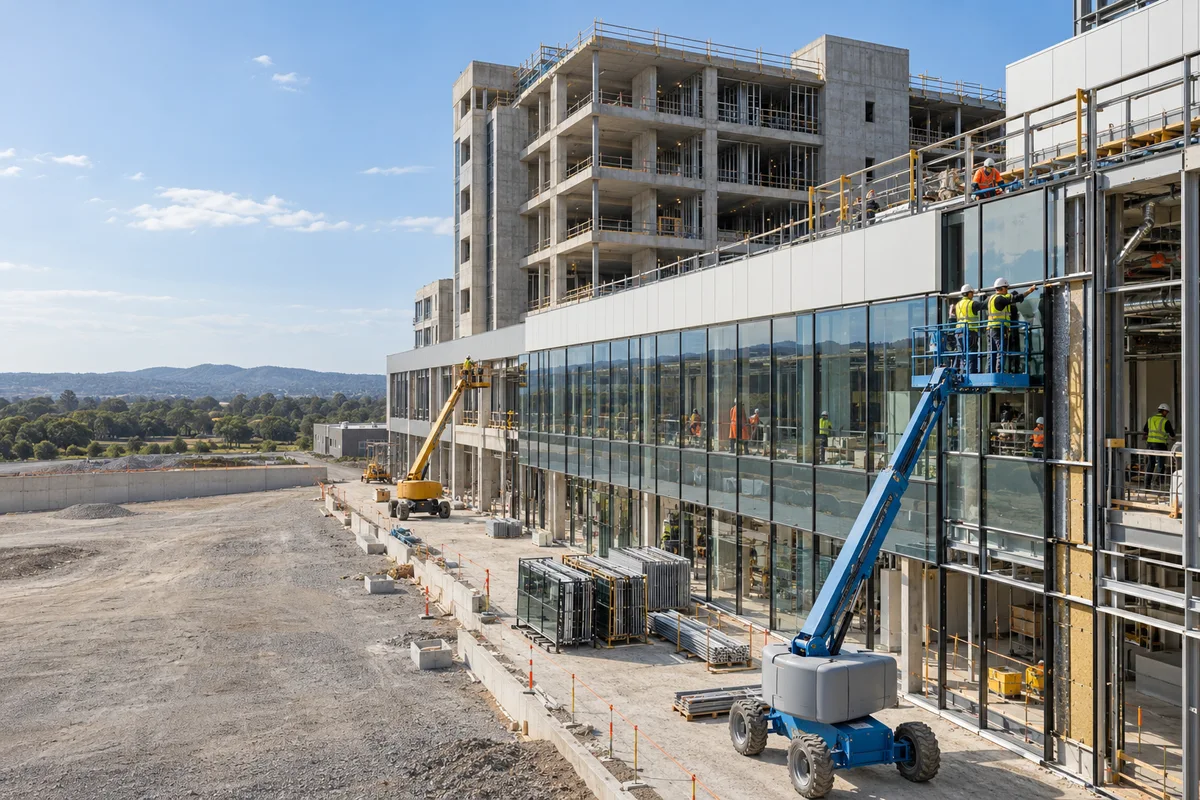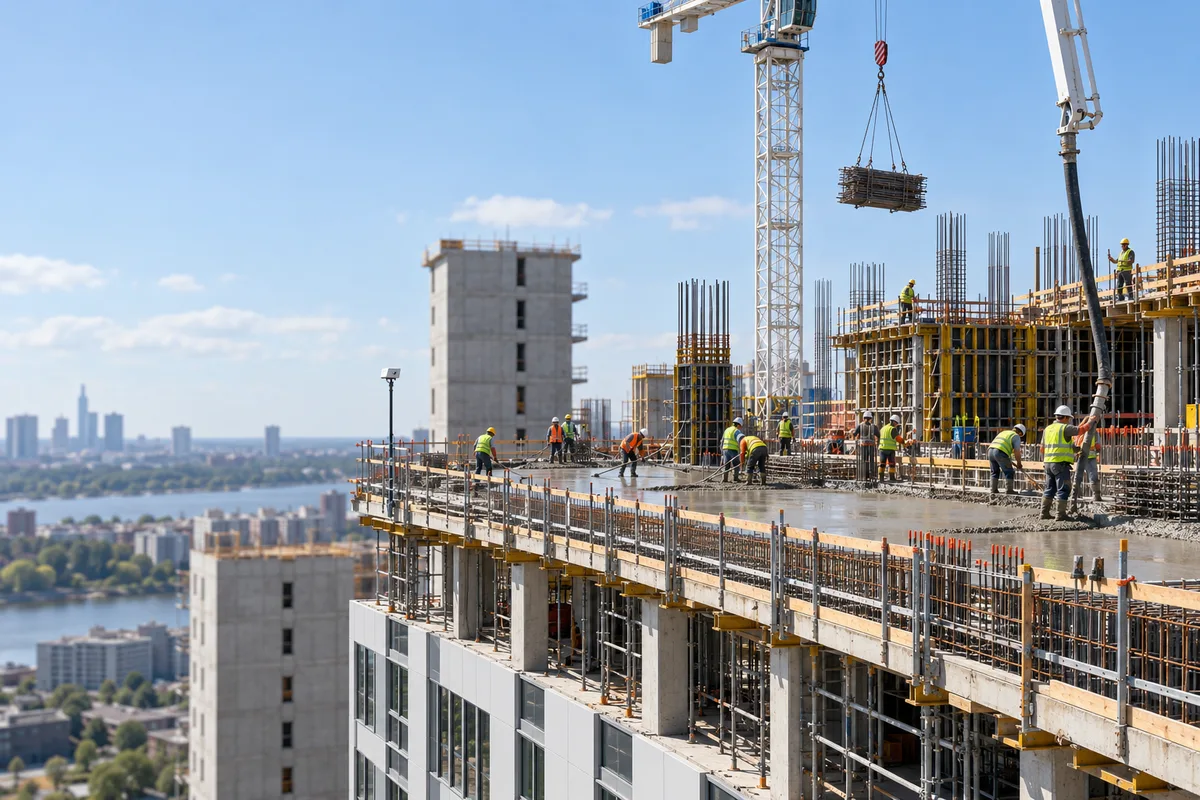
Real-time visibility for your construction site.
See who is on site, review camera-based PPE checks and compare 360° captures with BIM. One platform for your people, progress and project records.
See the whole site.
People, camera observations and 360 captures in one picture of your site.
- 01Installed
- 02Needs review
- 03Not measured
See trades on site and where they work.
Attendance and zone histories, recorded automatically from worker cards.
Alerts2
Zone occupancy from configured devices.
Make safety visible.
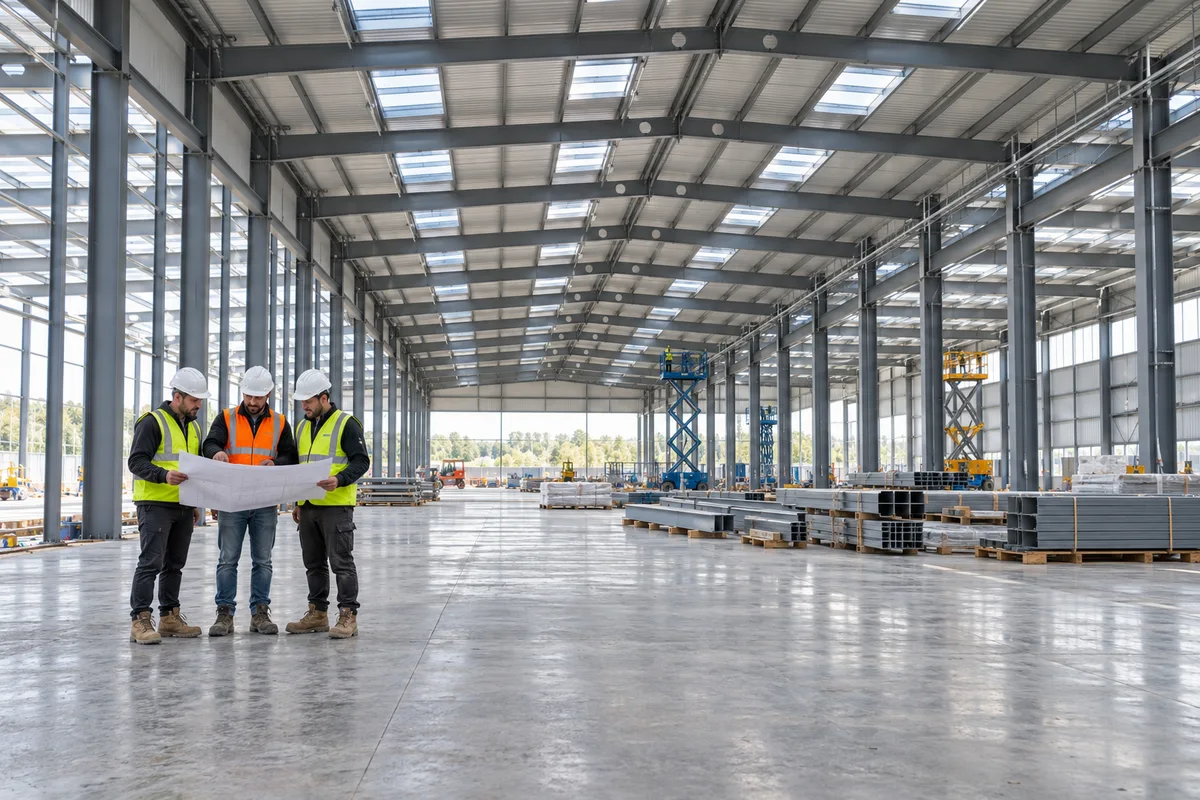
PPE checks with annotated snapshots, and alerts for restricted and crowded zones.
- 01Helmet and vest observed
Get accurate, timely site data on your desk.
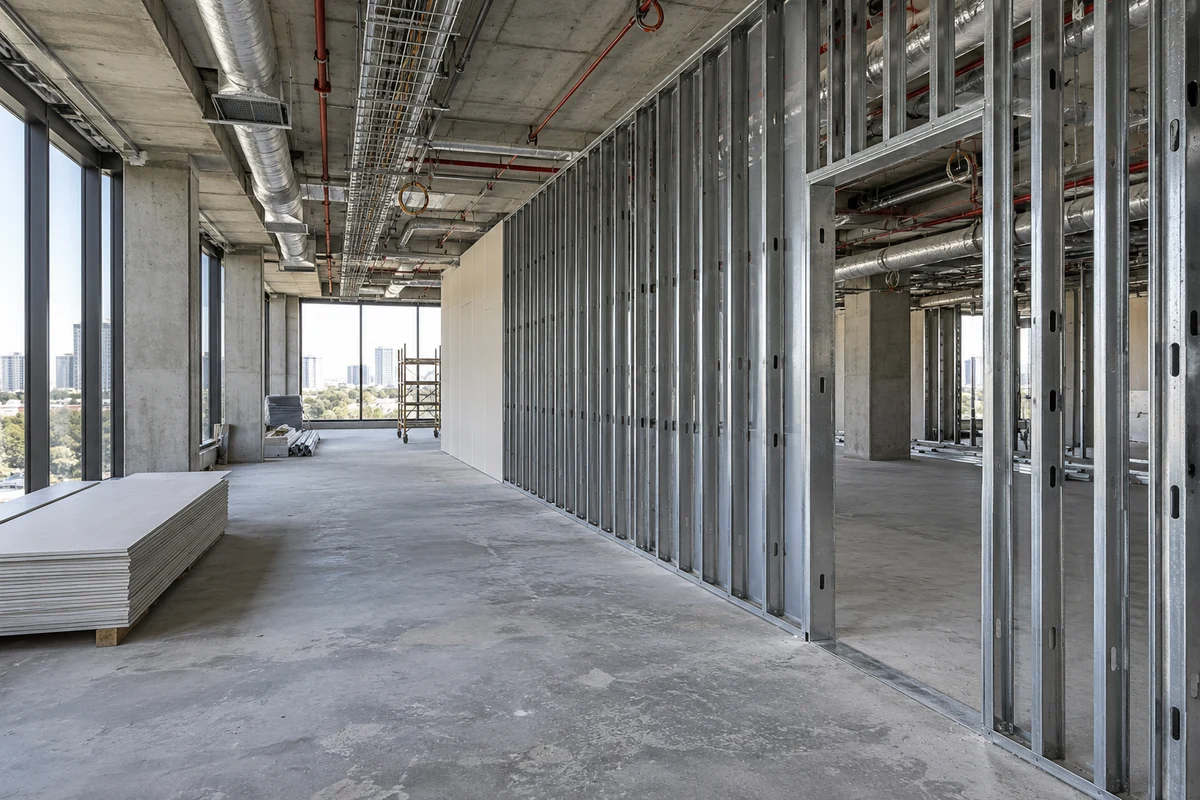
360 captures compared with your BIM model, element by element.
- 01Installed
- 02Needs review
- 03Not measured
| Measured elements | Observed coverage | Measured completion |
|---|---|---|
| Concrete works | 91% | 78% |
| Blockwork | 82% | 64% |
| MEP | Not measured | Not measured |
Results shown after capture processing. Completion relates to observed coverage.
Know the material you have left.
Stockpile volumes from site images, with consumption and reorder estimates.
- 01Selected stockpile
Results shown after capture processing.
Pay for what's built, not what's billed.
Work packages, claims, review decisions and photos in one evidence package.
| Work package | Claimed quantity | Status |
|---|---|---|
| Concrete works | 120 m³ | Needs review |
| Blockwork | 460 m² | Needs review |
| MEP | 24 | Needs review |
Photographic evidence attachedSee the cost behind site activity.
Wages from attendance, site expenses and cash requirements in one view.
| Attendance-based wages | €12,400 |
| Entered site expenses | €3,650 |
Recorded hours: 147
Daily reports in 40 seconds.
Headcounts by trade, notes and up to 10 photos, filed from site.
| Trade | Workers |
|---|---|
| Formwork | 8 |
| MEP | 6 |
| Finishes | 7 |
Site notes
Level 02 work recorded. Trade headcounts and photographs attached.
Ask Usta.
Ask about your projects, attendance, safety and claims, and get the figure with its context.
Which projects still need a daily report?
Two projects have not reported today. Open the reporting overview to review their status.
Track work beyond the building.
GPS trackers and outdoor maps for yards, roads and open sites.
HardwareIntegrate SmartSites into any workflow.
Bring in IFC models and drawings, connect the cameras already on site, and export to Excel. Nothing has to be replaced.
Book a demo- IFCBIM models for 360 progress and takeoff
- DWG / DXFDrawings for rebar annotations
- XLSXExcel imports and exports
- RTSPExisting IP cameras and recorders
- PDFDated reports and capture exports
- BLEBluetooth cards, receivers and door nodes
- GPSGPS trackers on open ground
- TCMBDaily central-bank exchange rates
Securing your data.
Many companies share one site. Each person sees only what they should.
Single sign-on
Sign-in runs through a dedicated identity service, so the platform never handles passwords.
Role-based access
Seven roles, plus hidden, read-only or full access to each module on each project.
Outbound-only site devices
The on-site box only opens outbound encrypted connections, and each camera has its own key.
Retention by default
Safety footage is deleted automatically after 30 days unless you choose otherwise.
Anonymous analytics
Productivity analysis from cameras is anonymous and zone-level, never per worker.
Audit trail
Alerts, approvals and changes keep a record of who did what and when.